Creating an extension is optional.
An extension can be automatically generated when configuring the SIP Integration.
An extension can be automatically generated when configuring the SIP Integration.
Create Extension (Optional)
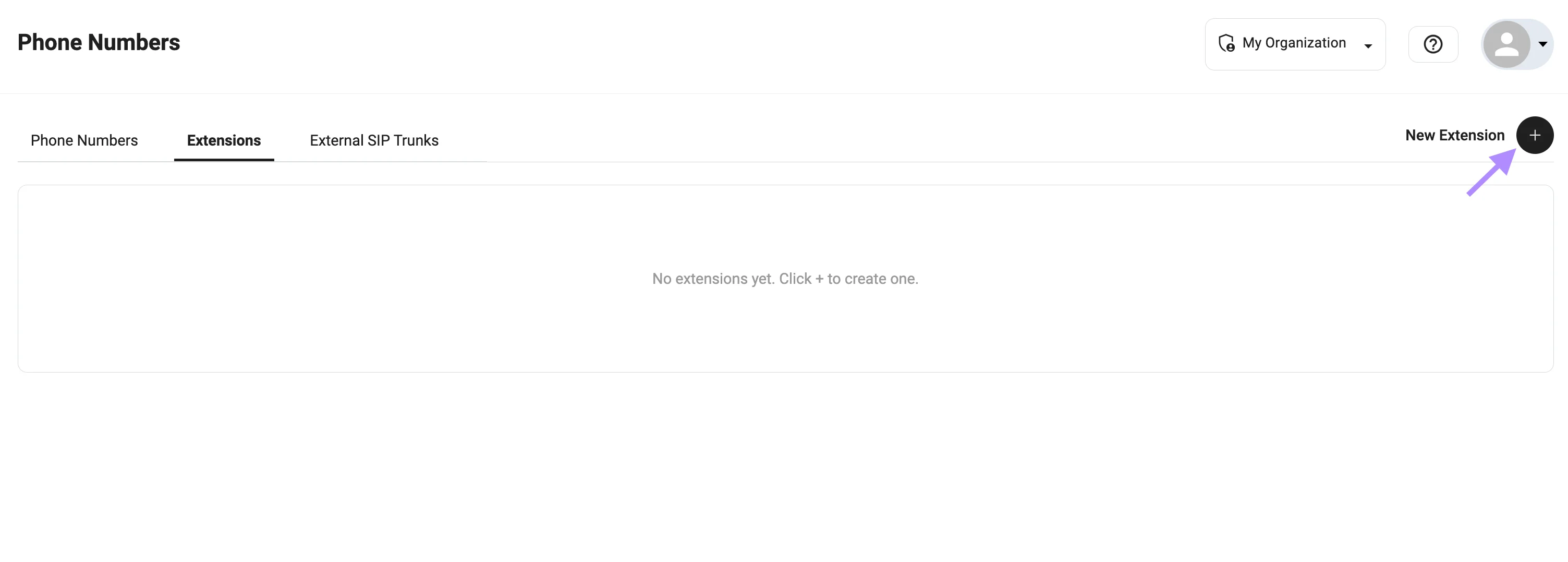
- Go to Phone Numbers
- Open the Extensions tab
- Click + to create a new extension
Configuration
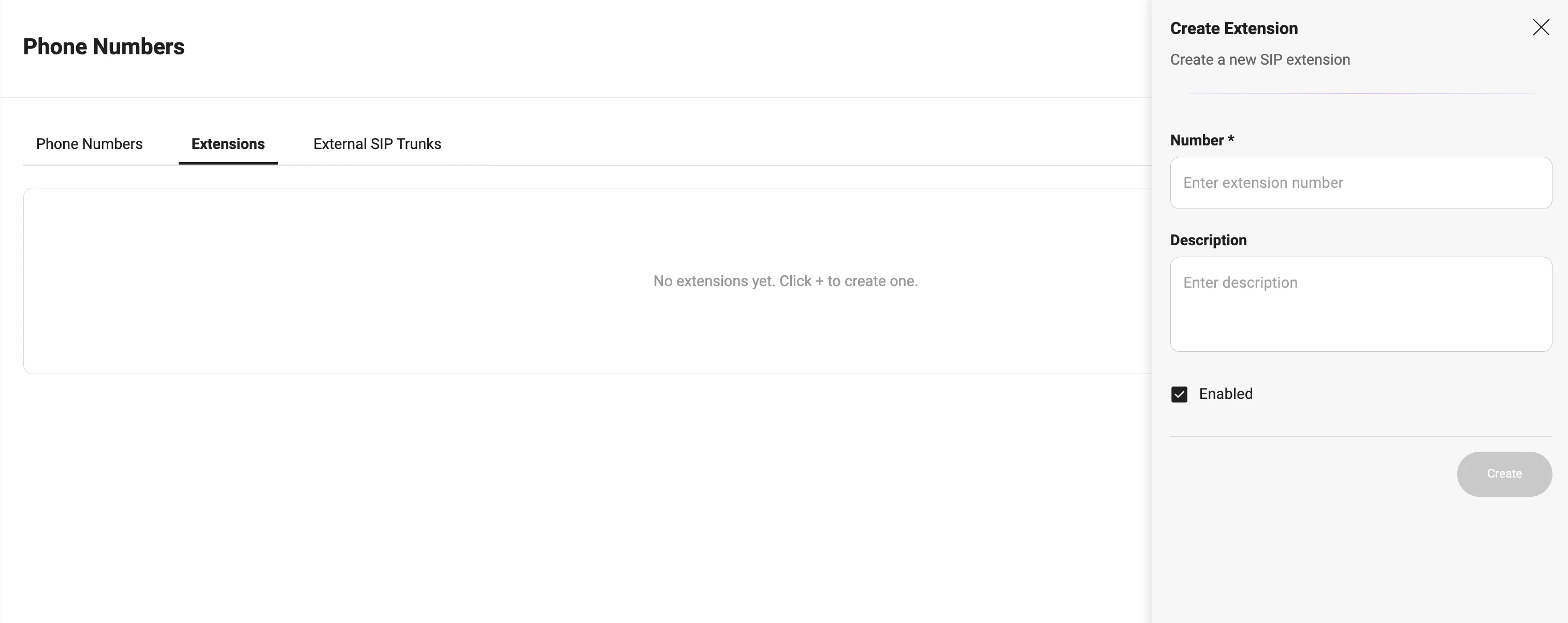
Fill in the required fields:- Number — internal extension (e.g.,
222222) - Description — optional label (e.g.,
Support,Sales) - Enabled — must be active
Example
Usage
Extensions are used for:- Call transfers via Redirect Call
- SIP routing (
sip:${extension}@...) - Connecting bot ↔ PBX ↔ agents
If you do not create an extension manually, the system will generate one automatically during SIP Integration setup.