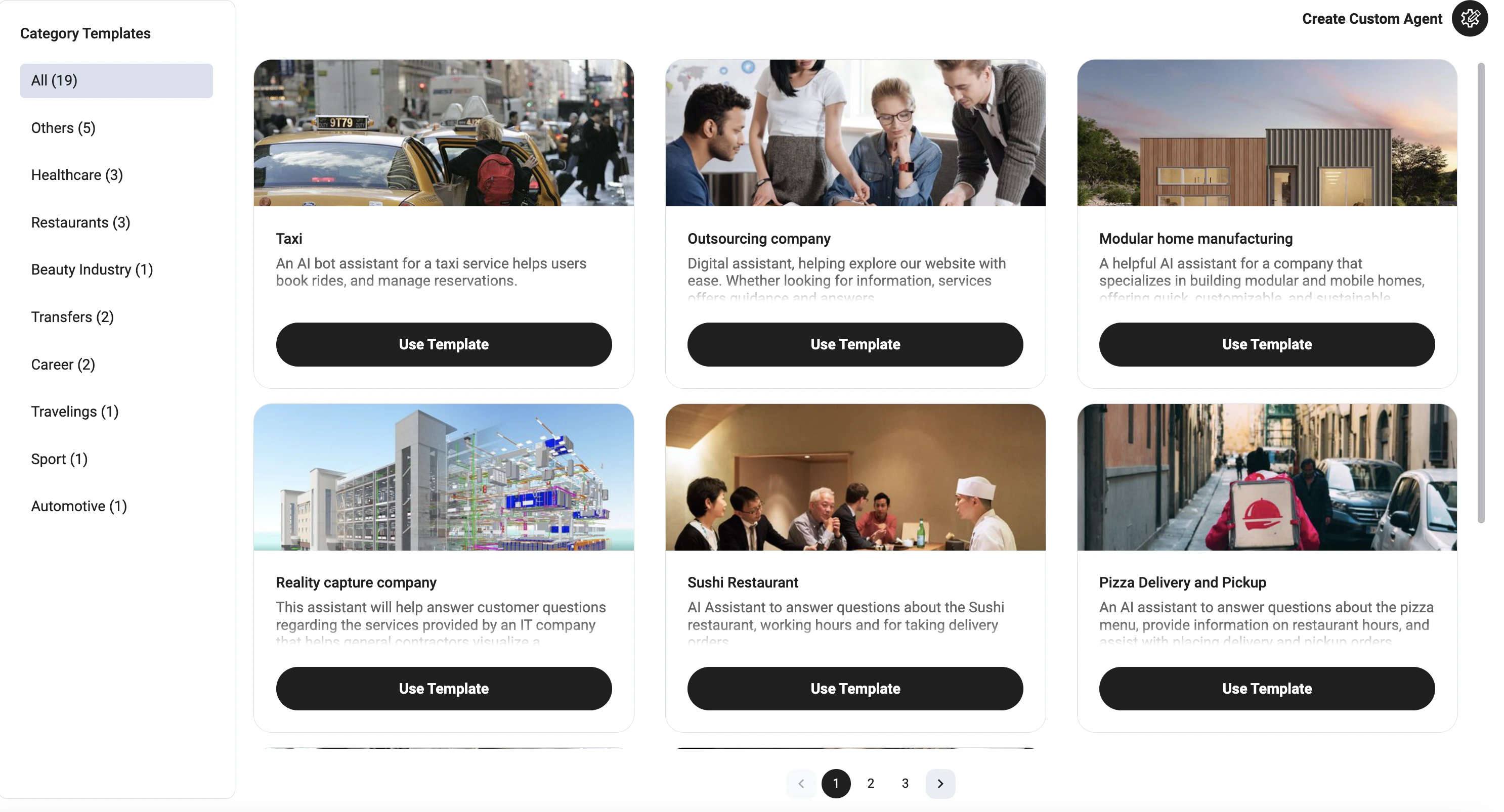
Template Library
The template library is available from the AI Agents page. Users can:- Search templates by name
- Browse templates by category
- Preview available use cases
- Create a new agent from a selected template
Categories
Templates are grouped by business category, such as:- Healthcare
- Restaurants
- Beauty Industry
- Transfers
- Career
- Traveling
- Sport
- Automotive
- Others
Using a Template
To create an agent from a template:- Open AI Agents
- Click New Agent
- Select From Template
- Browse or search available templates
- Select the needed template
- Click Use Template
- Review and customize the generated bot configuration
Templates provide a starting point. After creating an agent, users can edit flows, prompts, knowledge base, integrations, and voice settings.