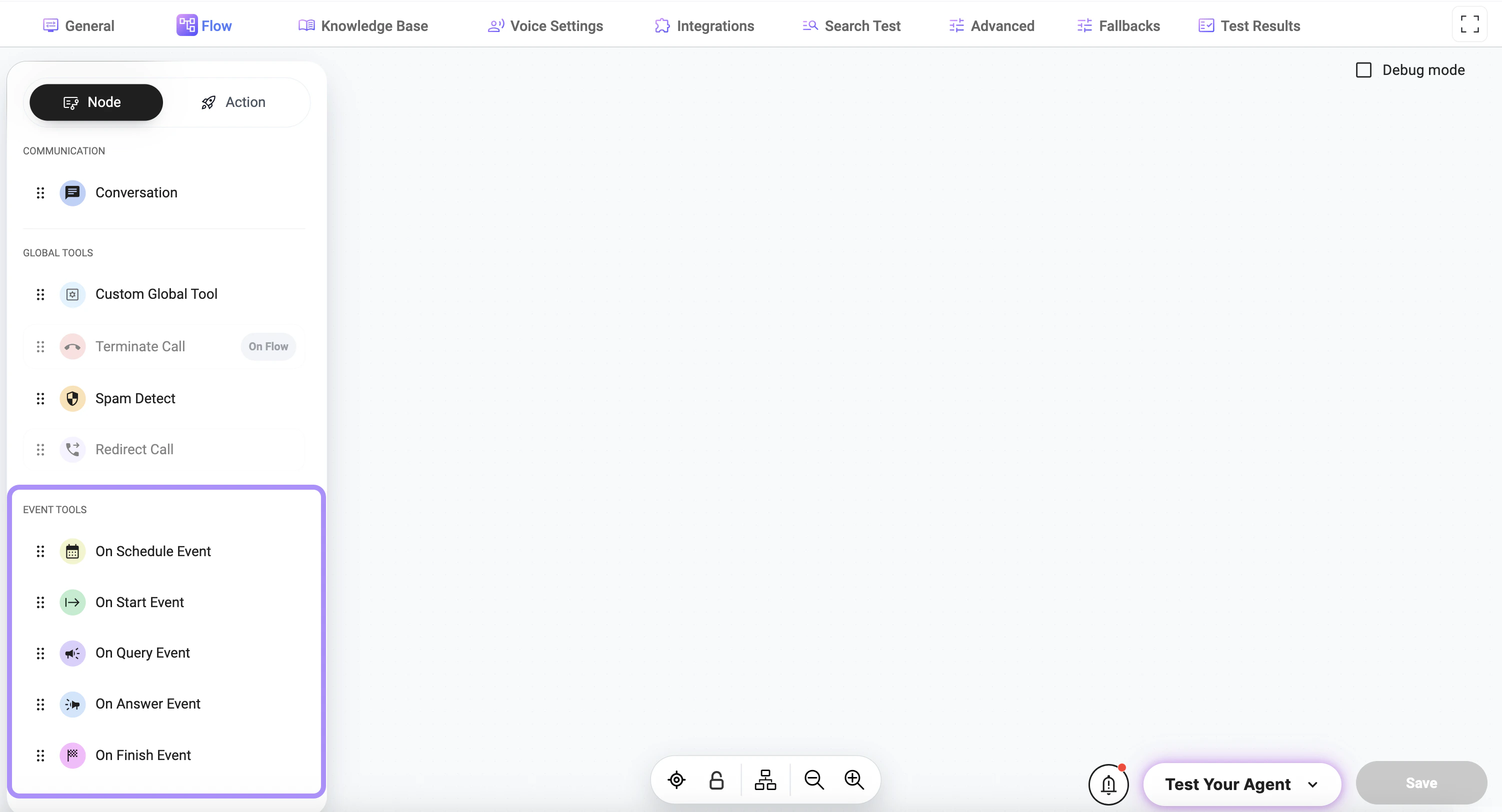
Adding Event Tools to a Node
Click the + button under the node to add a tool:- select Node
- select an Event Tool from the list
Available Event Types
- On Start Event — triggered when the interaction begins
- On Query Event — triggered when the user sends a message
- On Answer Event — triggered when the assistant responds
- On Finish Event — triggered when the interaction ends
- On Schedule Event — triggered at a scheduled time
How It Works
- The event occurs during the interaction
- The corresponding event tool is triggered
- The configured action is executed
Usage
Event tools are typically used for:- logging or analytics
- triggering background processes
- sending notifications
- executing integrations
- handling lifecycle events
Best Practices
- Use event tools only when automatic execution is required
- Avoid adding unnecessary event triggers
- Keep event logic simple and predictable
- Test event behavior across different scenarios
Notes
- Event tools run automatically and do not require manual triggering
- Multiple event tools can be attached to a single node
- Proper configuration ensures correct timing and execution of actions